User Manual
Everything you need to stay on top of maintenance, inspections, licenses, and renewals.
1. Getting started
Go to trackedbyme.com and click Start Free Trial. Enter your email address and we'll send you a one-time code — no password to remember or leak. Enter the code and you're in. Your 30-day free trial starts immediately, no credit card required.
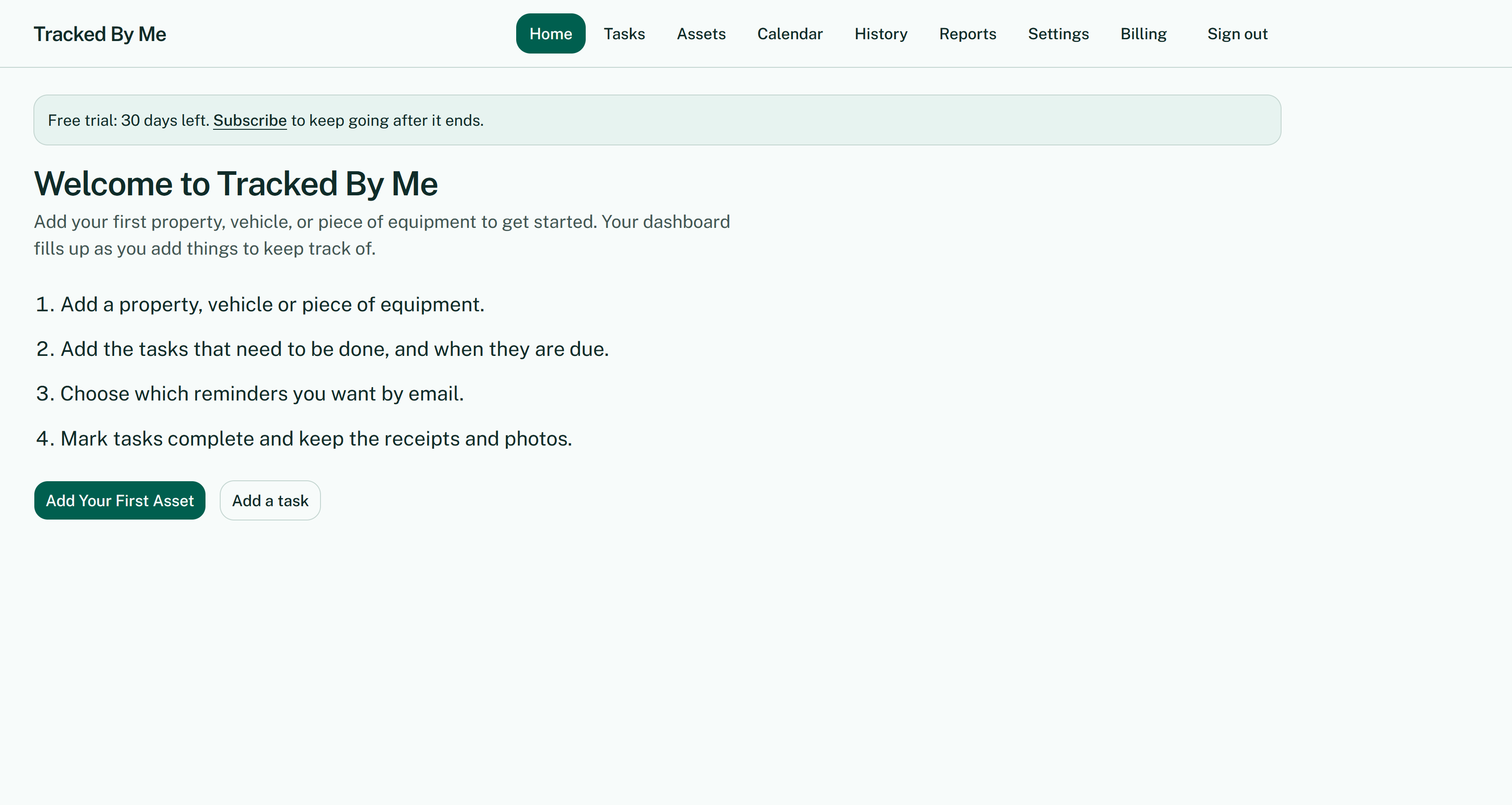
When you first sign in, you'll see the welcome screen walking you through the four steps: add an asset, add tasks, choose reminders, and mark tasks complete.
2. Adding properties, vehicles & equipment
Everything in Tracked By Me is organized around the things you own or manage — we call them assets. Click Add Your First Asset (or the Assets tab anytime) and choose the type:
- Property — a rental house, apartment building, commercial space
- Vehicle — a car, truck, tractor, or fleet vehicle
- Equipment — HVAC systems, fire extinguishers, anything with a maintenance schedule
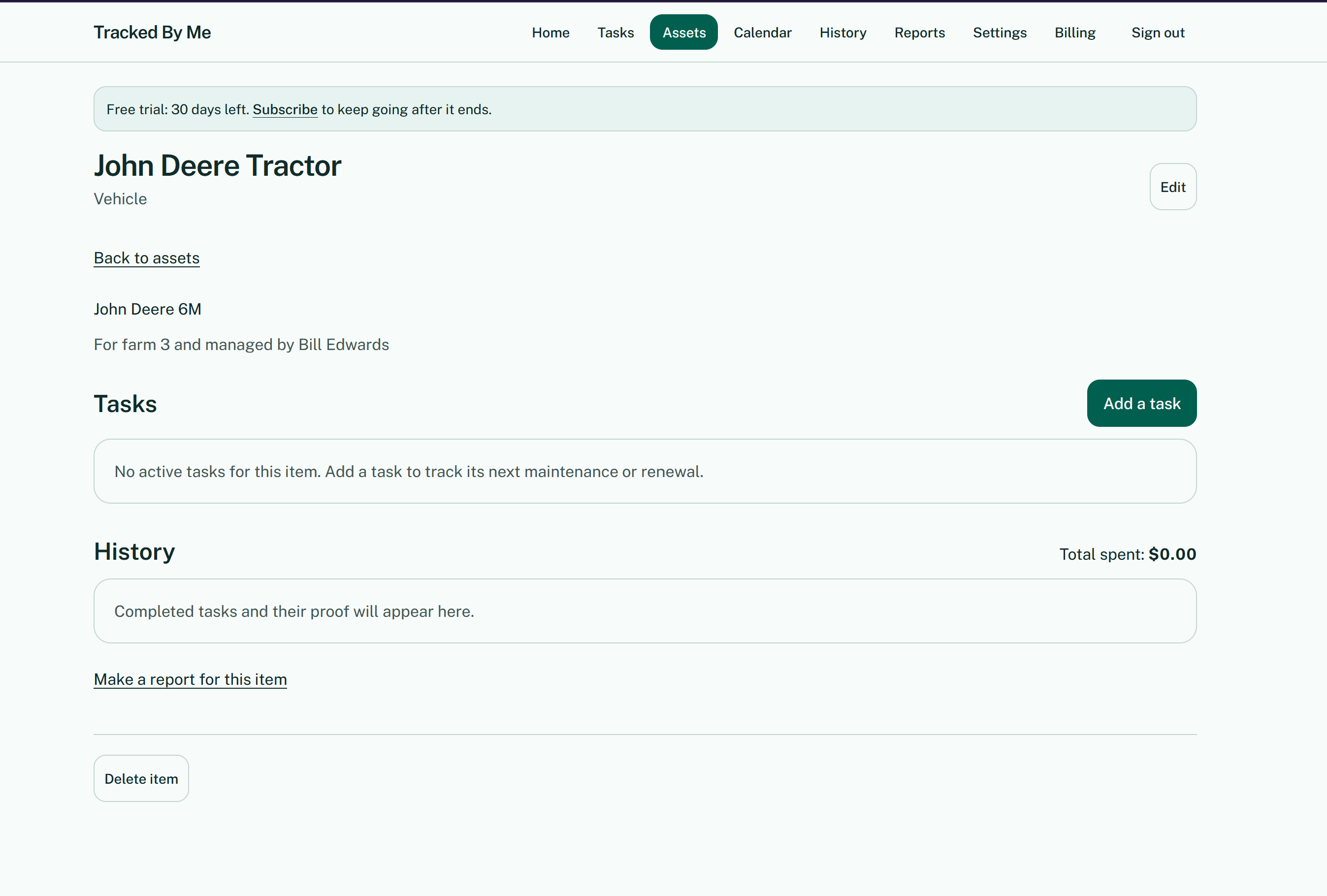
Give it a name you'll recognize and add any details that help you identify it. Each asset gets its own page showing its tasks, its completion history with total spent, and links to make reports or delete the item.
3. Adding tasks
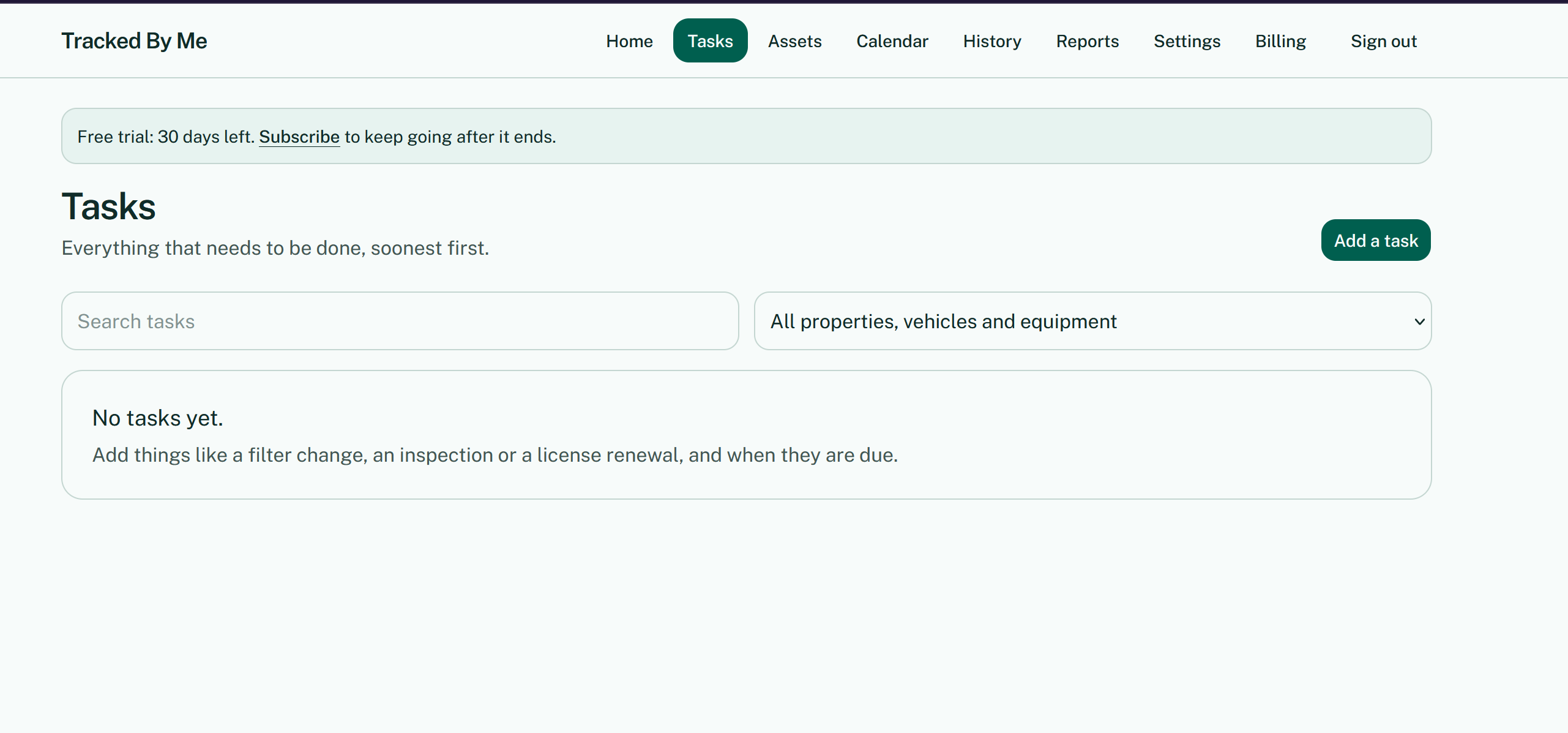
Once you have an asset, add the maintenance, inspections, licenses, and renewals that go with it. Open the Tasks tab and click Add a task. For each task you'll set what it is, how often it repeats, and when it's next due — the app calculates all future due dates from there.
Tip: Start with the 3–5 tasks you worry about forgetting most. You can always add more later.
4. Your dashboard & calendar
Dashboard
The Home tab is your dashboard. As you add assets and tasks, it fills up with what needs your attention, grouped three ways:
- Overdue — past due, handle these first
- Due soon — coming up within your reminder window
- Coming up — further out, on your radar
Calendar
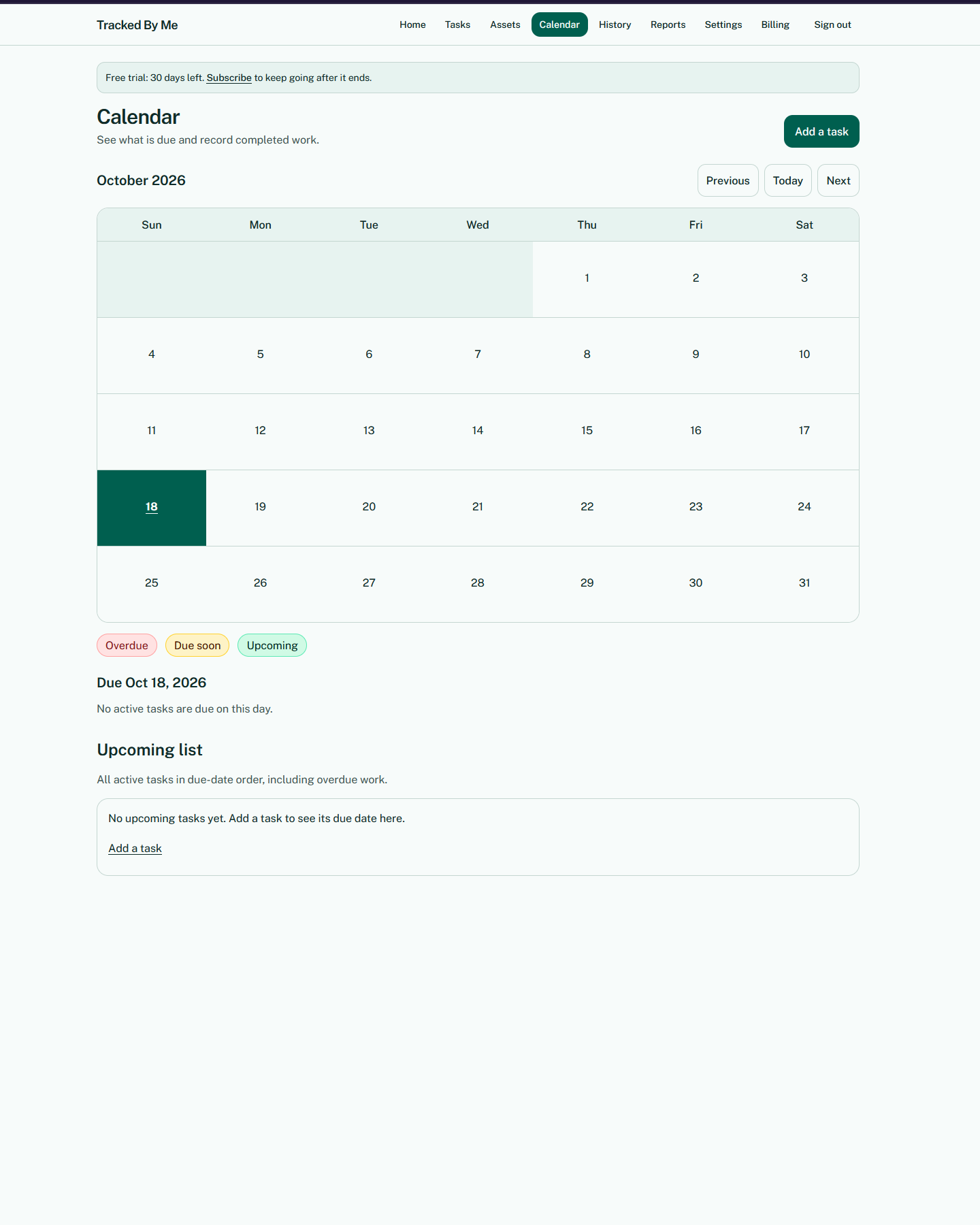
The Calendar tab shows the same information laid out by date. Click any day to see what's due, and use Previous / Today / Next to move between months. The color-coded legend (Overdue, Due soon, Upcoming) matches your dashboard.
5. Email reminders
You don't have to check the site to know what's coming — we email you. Once a day, you'll get a digest of what's due, sent to the email you signed in with, so it reaches your phone, tablet, or computer.
Choosing when reminders arrive
Go to Settings to pick how far ahead you want to hear about things. Check any combination:
- 30 days before
- 14 days before
- 7 days before
- 1 day before
- On the day it is due
- Custom — your own timing, 1 to 60 days before
Uncheck Email me reminders to turn them off entirely. Click Save reminder choices when you're done.
6. Completing tasks & keeping proof
When work gets done, open the task and mark it Complete. Record the date, the cost, who did the work, and any notes — then attach photos and receipts. Snap a photo of the invoice or the finished work right from your phone.
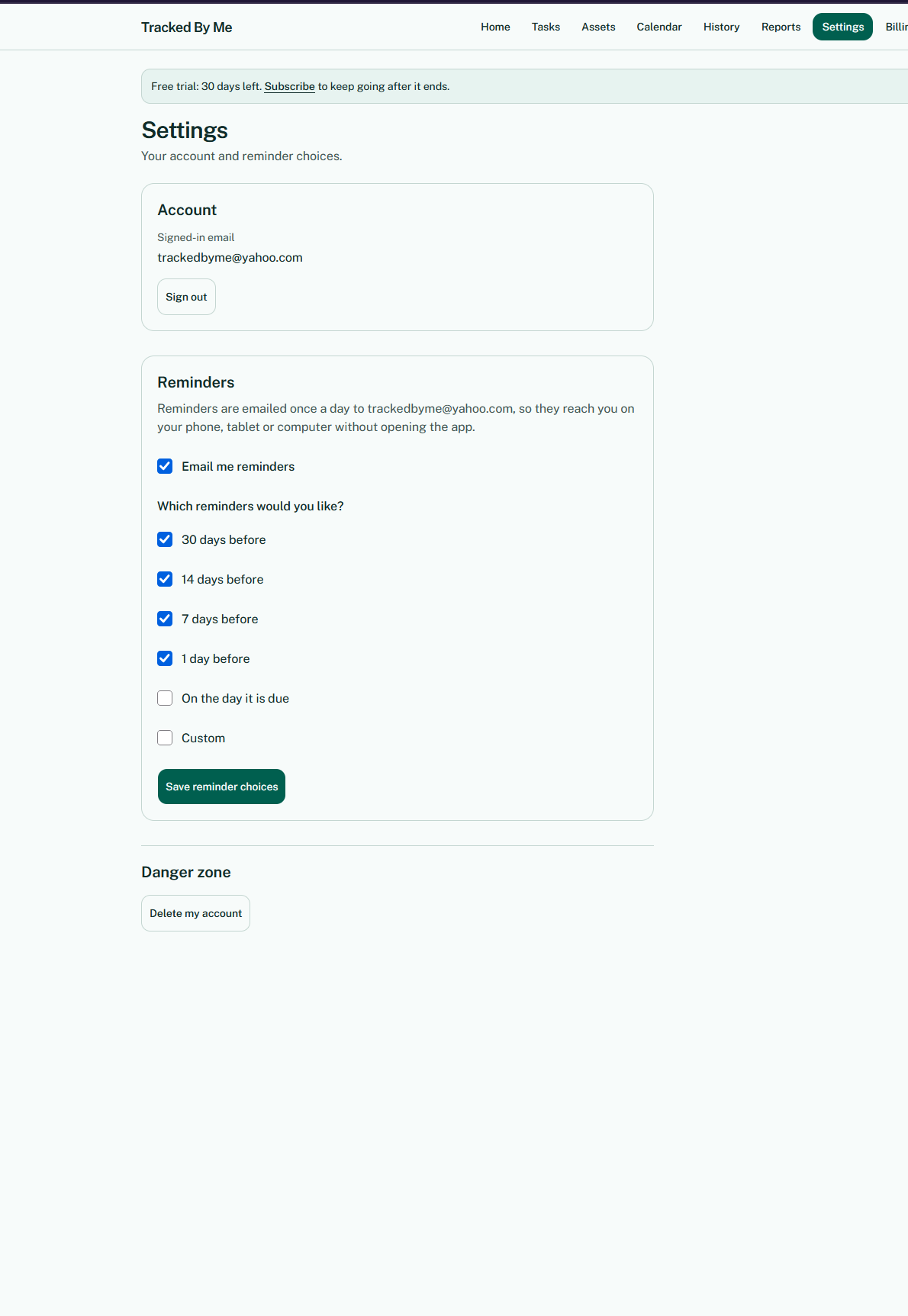
The next due date is set automatically from the task's schedule. Your completion lands in History, where you can search it by task, asset, date range, category, or person — every record with its proof, ready when you need it.
Why this matters: If a tenant disputes a repair, your insurer asks for proof of maintenance, or you sell the property — your records are right here.
7. Reports & exporting your data
Reports
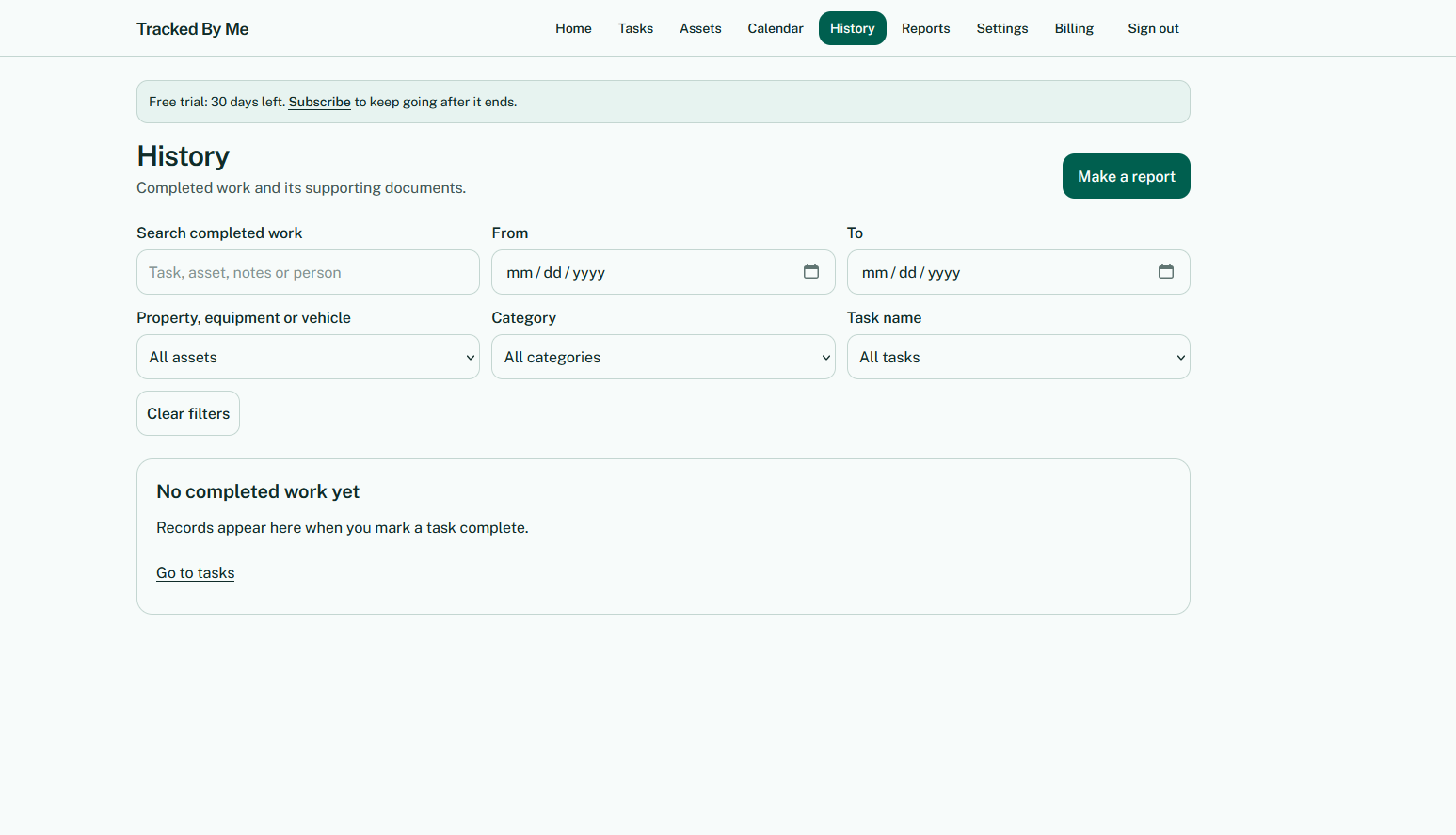
The Reports page builds a maintenance and inspection report from your completed work — useful for insurance, property sales, audits, taxes, and warranty claims. Filter by date, asset, category, or task, then Print or save as PDF or Download CSV.
Exporting everything
Your records are yours. At any time, press Export all my data on the Reports page to download a ZIP file containing:
- assets.csv — your properties, vehicles, and equipment
- tasks.csv — your maintenance tasks and schedules
- completion-history.csv — every completed task with dates, costs, and notes
- Photos and receipts — every attachment, in a folder
- README.txt — a summary of what's in the download
8. Subscription & billing
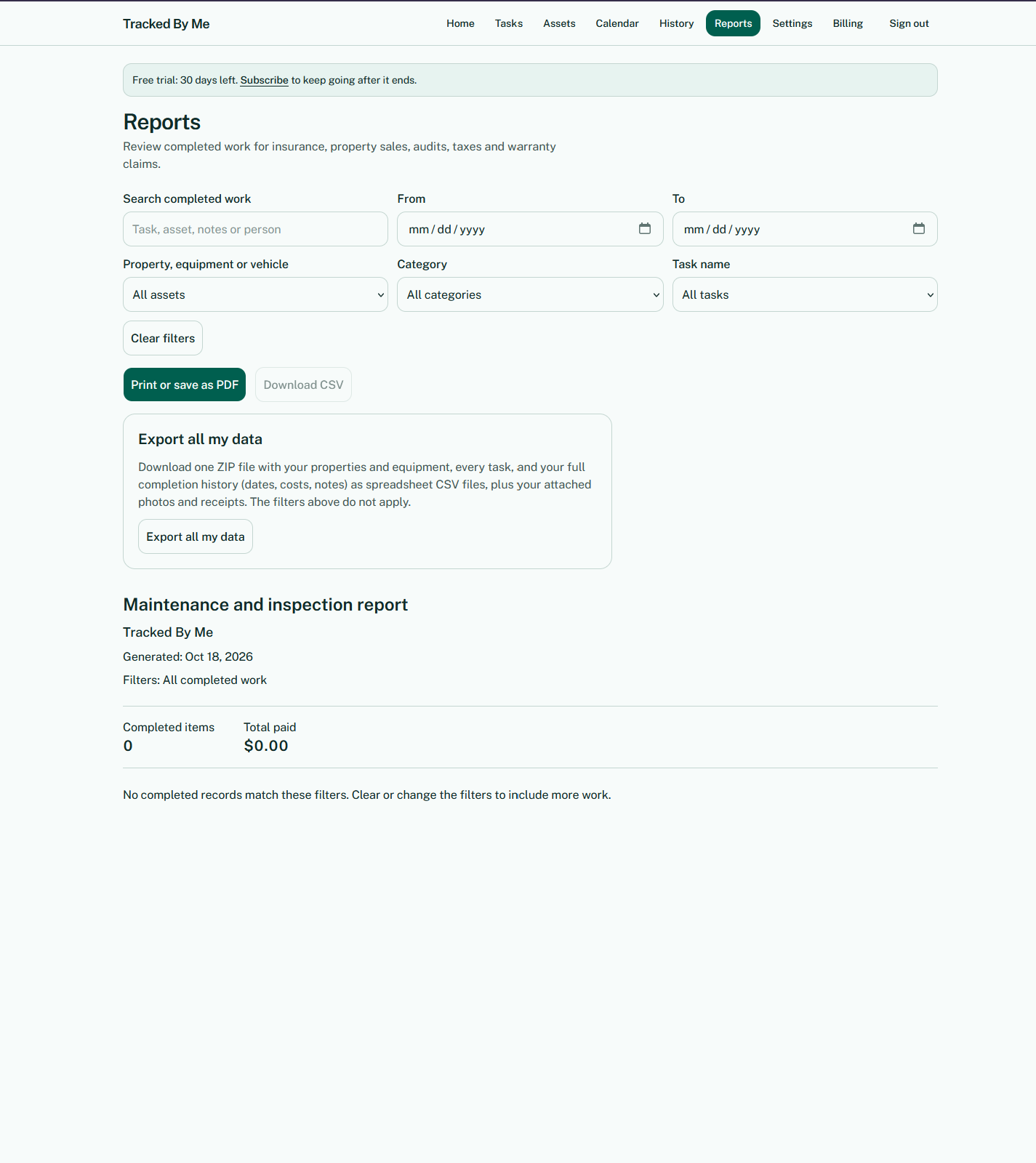
The Billing tab shows your plan and lets you subscribe when you're ready.
- 30-day free trial — full access, no credit card required
- Founding member: $9.99/month — our first 50 subscribers, locked in as long as you stay subscribed
- Regular rate: $19.99/month — after the first 50 spots are taken
Cancel anytime — you won't be charged for future renewals. If Tracked By Me isn't right for you, contact us within 7 days of your first paid charge for a full refund.
If you don't subscribe after the trial, access and reminder emails pause, but your properties, tasks, and history stay saved until you subscribe or delete your account.
9. Settings
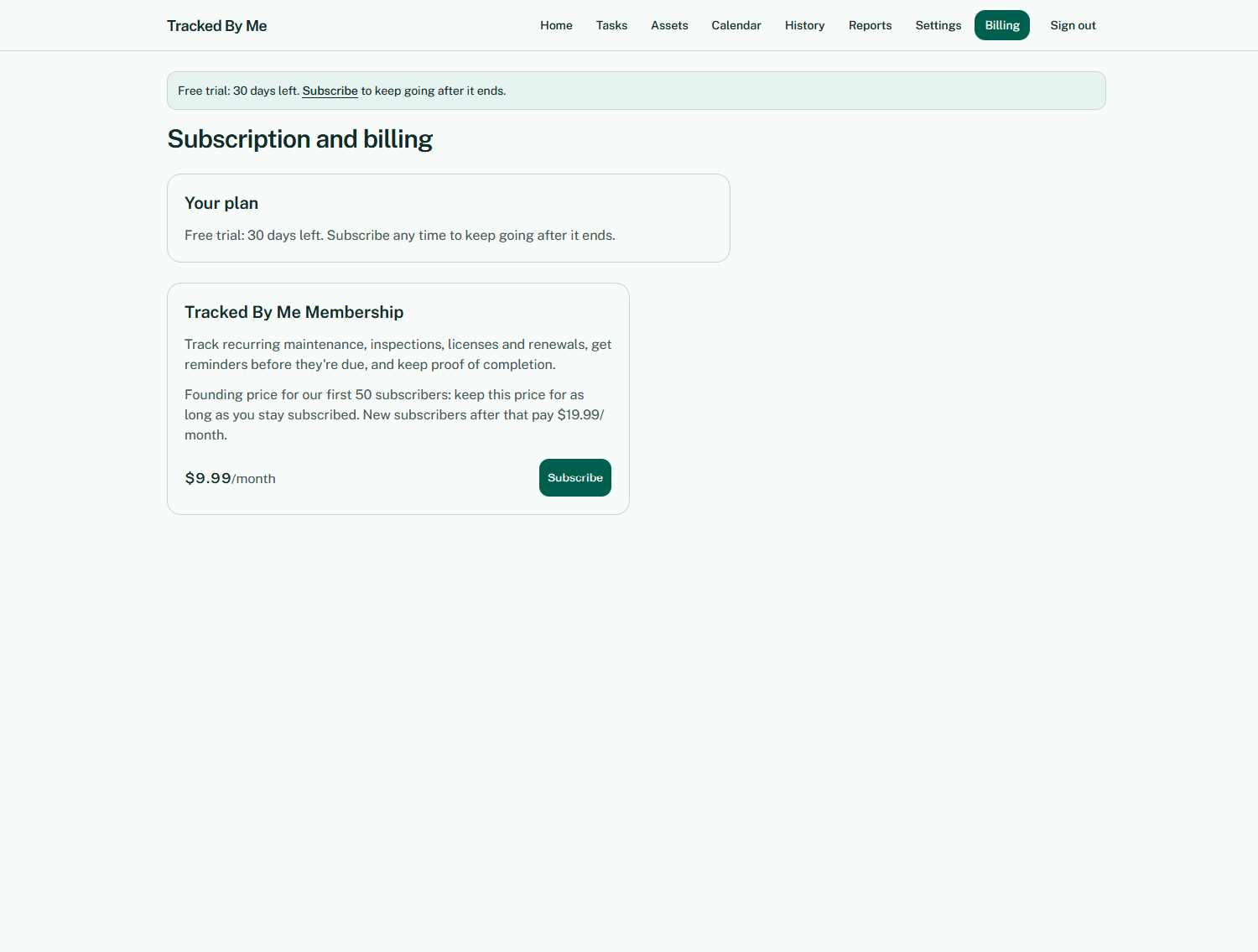
Your Settings page controls:
- Account — the email you sign in with
- Reminders — when and whether you get email reminders (see Email reminders above)
- Danger zone — Delete my account removes your account and all its data permanently
Need help? Send us a message and we'll get back to you. Contact & Support